03/11/2026

Due to an account system upgrade, all prior HTNow users will need to re-register. Rest assured you will have all the same pricing, stock status and order history data as before, as it will be tied to your same account number.
Navigate to the login page, and click "create account" to put in your email and create your password. Then an email verification will be sent to your email inbox to ensure a secure registration. Click the verification link in the email to verify your account.
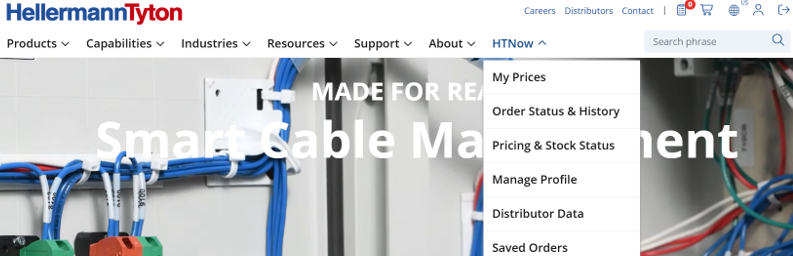
Clicking the verifying link officially creates your HT Account in the system, so you can finish registering for your HTNow Distributor Portal account. Once that link is clicked, you will see "HTNow" in your main navigation. Hovering over that, you will see "Complete HTNow Registration". Click that link to then submit your Distributor Registration request.

Upon internal approval of your HTNow Distributor Portal access, you will receive a confirmation email. the next time you log in, you will see the HTNow features listed underneath the HTNow Tab.
For any additional questions please contact your sales representative or contact us.